
Appearance
Your first request
Open Sendwire. With nothing open yet it shows a welcome screen — New request starts one, or Load example collection drops a set of ready requests into the sidebar to poke at.
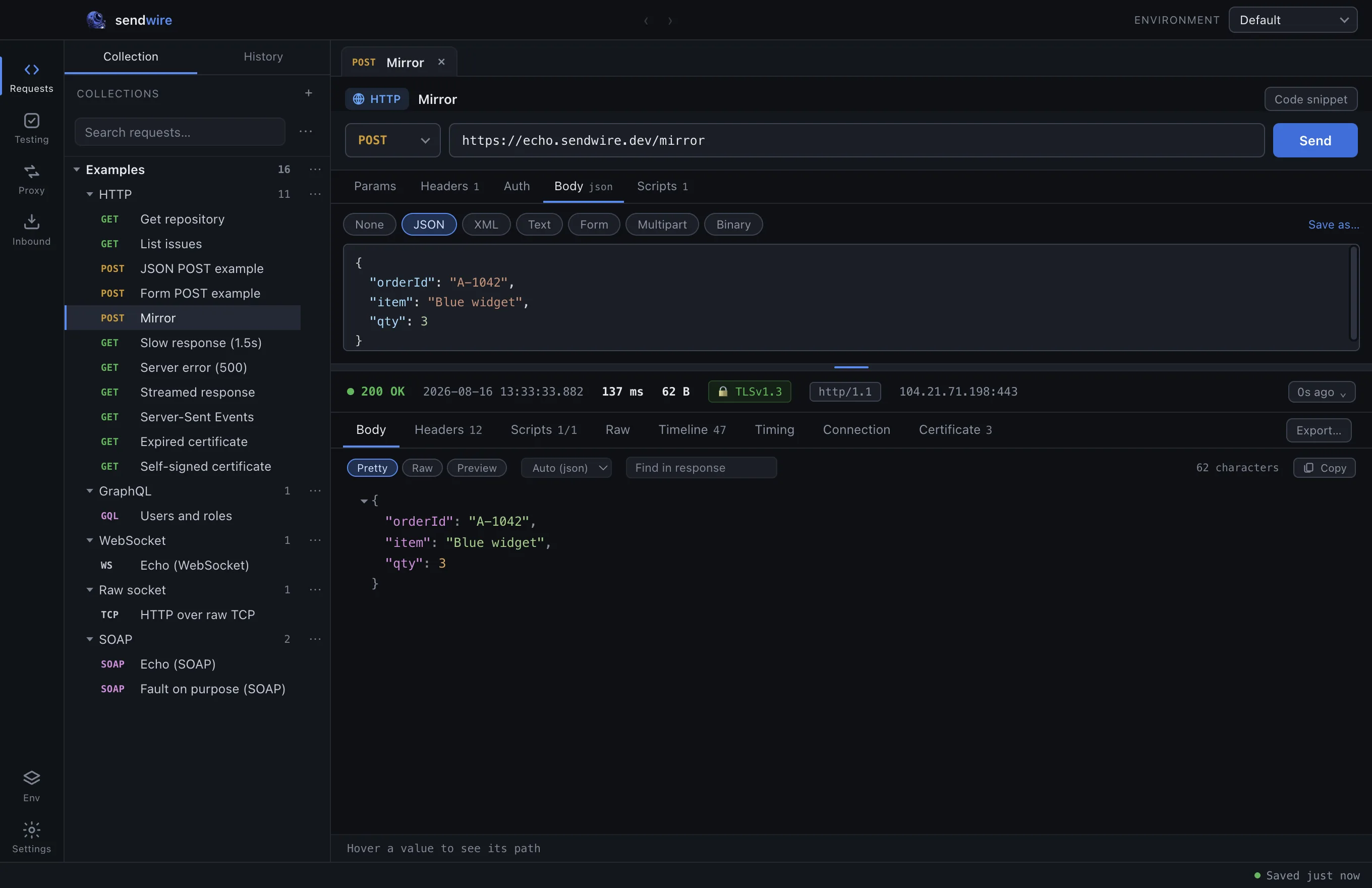
Open a request (or press ⌘N / Ctrl+N for a new one) and you get the editor: a URL bar at the top with a method selector beside it, and an empty response pane below.
Send something
Type a URL and press Enter:
https://api.github.com/repos/nodejs/nodeThe response arrives underneath, formatted, with a status strip above it:
● 200 OK 336 ms 1.5 KB 🔒 TLSv1.3 http/1.1 140.82.116.5:443That strip is worth reading. It is not just a status code — it is the time, the size, the TLS version, the protocol that was negotiated, and the IP that actually answered. Most clients show you the first two.
Look at what happened
The tabs below the strip are the response, viewed several ways:
| Tab | What it shows |
|---|---|
| Body | Formatted, raw, or rendered. |
| Headers | What came back. |
| Scripts | Test results and anything you logged. |
| Raw | The request and response as text — headers and body, both ways. |
| Timeline | Every event, timestamped from zero. |
| Timing | DNS, TCP, TLS, waiting, download. |
| Connection | Address, port, reuse, ALPN. |
| Certificate | The chain the server presented. |
Open Timeline. That is the whole conversation — the lookup, the connect, the handshake, the cipher, the certificate, the request headers, the response. Reading the exchange explains what to do with it.
Save it
Press ⌘S (Ctrl+S) or click Save. Requests live in collections in the sidebar, and collections can hold folders.
Everything is written to your workspace file as you go. There is no "unsaved changes" state to lose.
Next
- Bodies — JSON, XML, SOAP, GraphQL, form, multipart, binary
- Environments and variables — stop pasting tokens
- Scripting — capture a value and spend it in the next request