
Appearance
Bodies
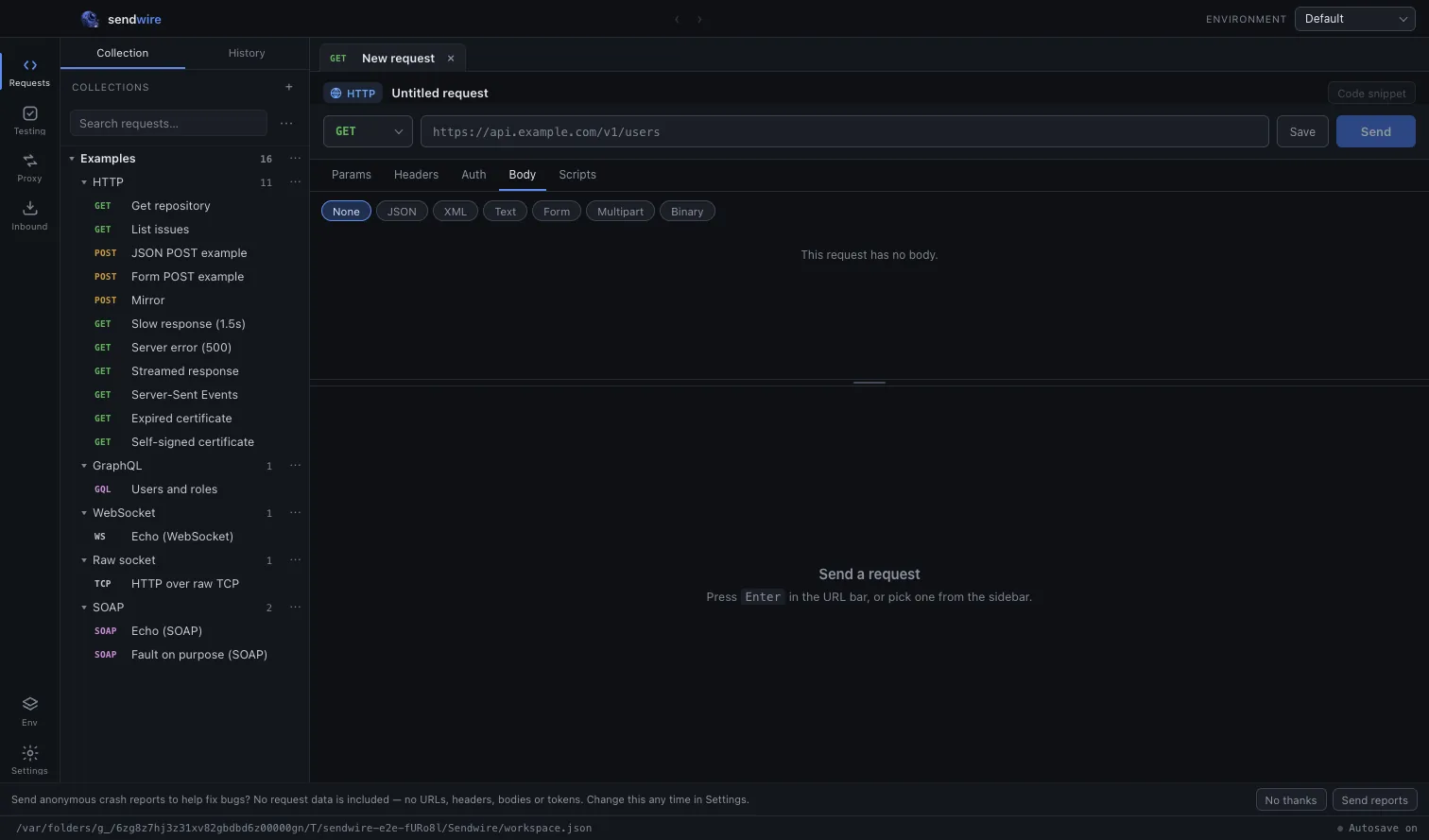
The Body tab offers seven formats. The one you pick decides how the body is edited, and what Content-Type is sent — which you can always see on the Headers tab, alongside everything else the client adds.
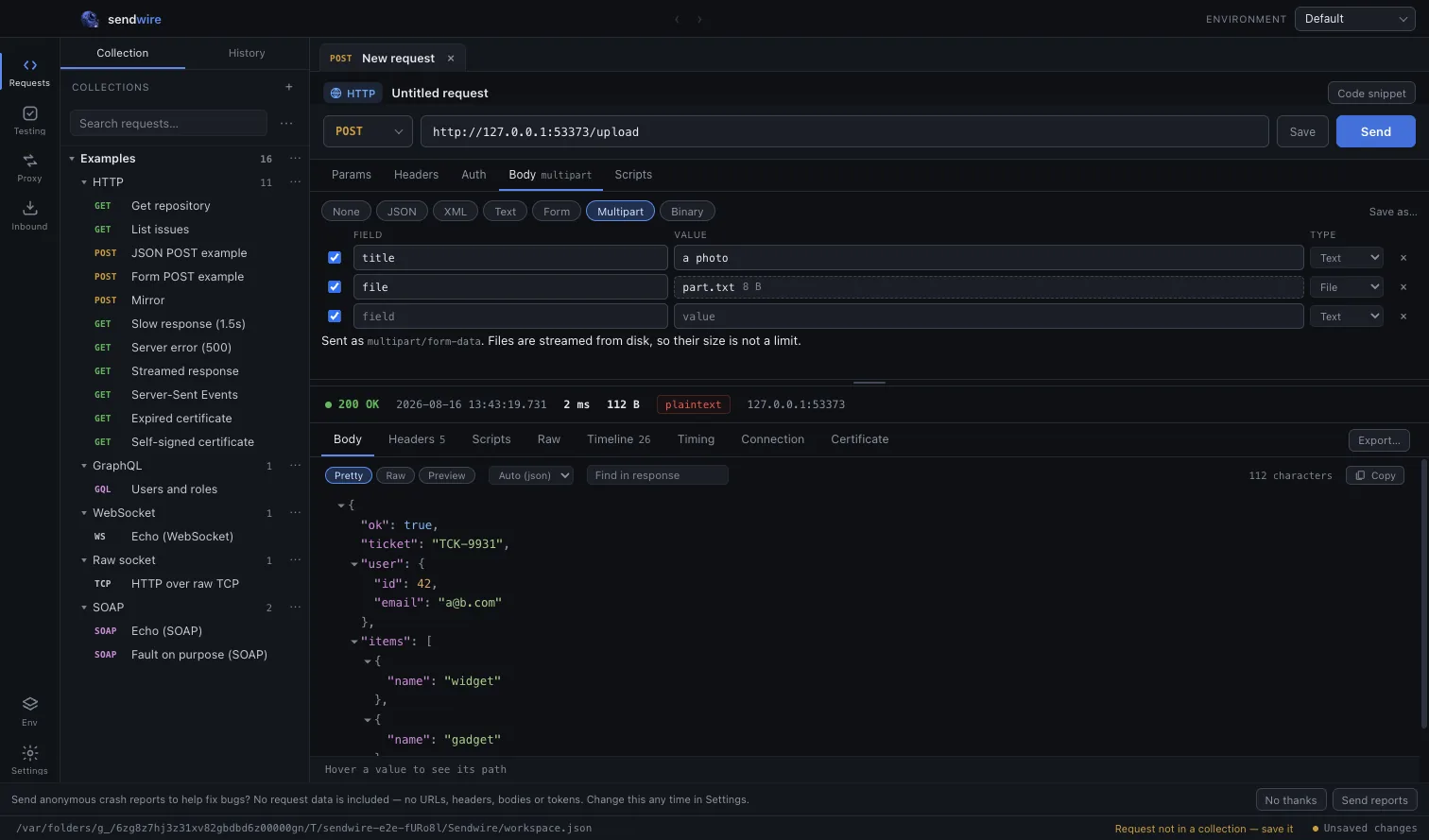
Multipart adds file parts alongside text fields, streamed from disk:
| None | No body. |
| JSON | application/json, syntax-coloured. |
| XML | application/xml. |
| Text | text/plain, uncoloured on purpose. |
| Form | application/x-www-form-urlencoded, edited as fields. |
| Multipart | multipart/form-data, fields and files. |
| Binary | A single file, streamed from disk. |
GraphQL and SOAP are not in this list. They are separate request types, chosen once when you create the request rather than toggled here — a GraphQL request carries a query-and-variables editor and a SOAP request a scaffolded envelope from the start. See GraphQL and SOAP.
Syntax colouring
JSON, XML and GraphQL bodies are coloured with VS Code's own grammars and themes, so the editor looks like the editor you already use.
Text is deliberately left plain. Colouring it would be inventing structure that is not there — worse than no colour, because it would look like the editor understood something.
Variables in bodies
{{name}} works inside a body as it does everywhere else, and the resolved and unresolved states are painted on top of the syntax colouring rather than instead of it.
json
{
  "host": "{{host}}",
  "auth": "Bearer {{token}}"
}
Binary bodies
A binary body is streamed from disk rather than read into memory, so uploading something large does not depend on it fitting in RAM. The Content-Type is guessed from the file extension and can be overridden by setting the header yourself.