
Appearance
Authentication
The Auth tab. Whatever you choose is applied when the request is built, so the resulting headers show on the Headers tab like any other.
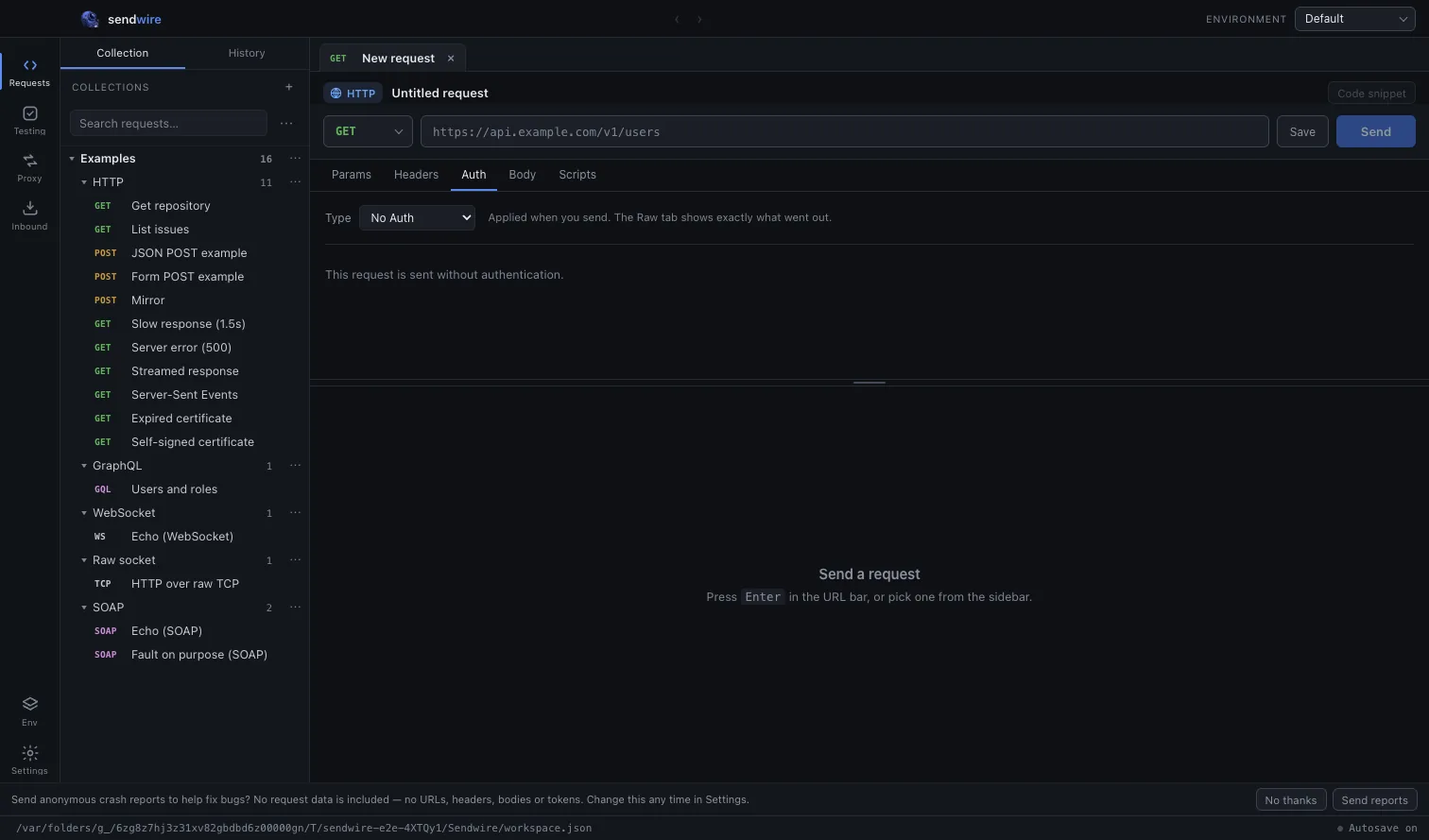
| API key | In a header or a query parameter. |
| Bearer | Authorization: Bearer … |
| Basic | Username and password, encoded. |
| JWT | Signed in the client, with your choice of algorithm. |
| OAuth 2 | Including the authorization code flow with PKCE. |
| AWS SigV4 | Full request signing. |
Every field accepts {{variables}}, so credentials live in an environment rather than in the request.
OAuth 2 with PKCE
A desktop application cannot keep a client secret — anyone with the binary has it — which is exactly what PKCE exists for, and why most providers now require it for native clients.
Fill in the authorization and token URLs, the client ID and the scopes, then Get token. The browser opens for the consent screen, the redirect comes back, and the token lands in the request.
Refresh tokens are stored with the request and used automatically when the access token expires.
Mutual TLS
Some APIs want a client certificate rather than a header. Settings has a list of certificates matched by host, so the right one is presented automatically when you call that host — including the passphrase, if the key needs one.
The Certificate tab shows the chain the server presented back, which is usually where an mTLS problem turns out to live.
Proxies
An HTTP proxy can be set in Settings, with the usual exception list. The exchange log shows the CONNECT when one is used, so it is obvious whether a request went through the proxy or around it.